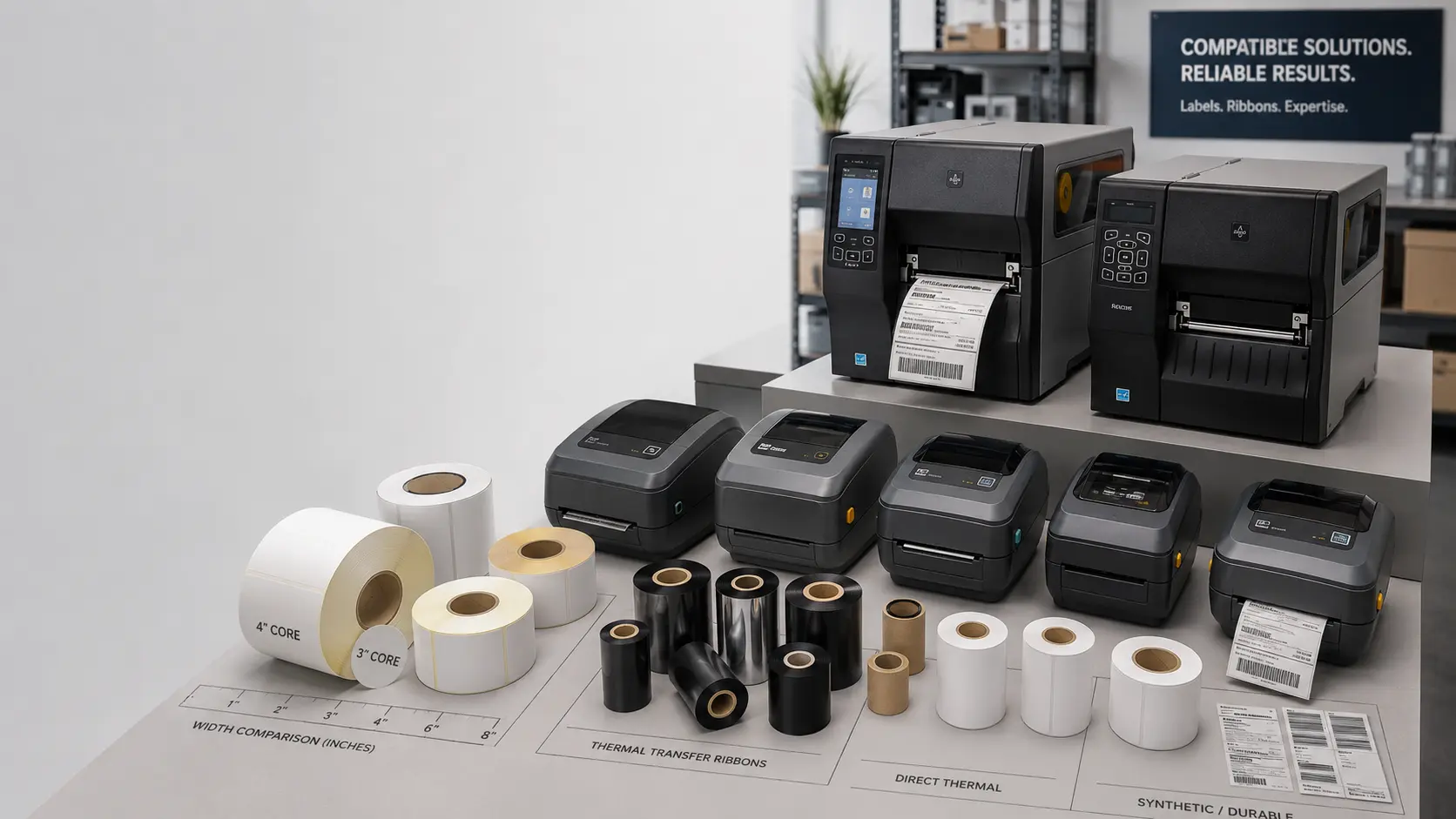
Zebra is one of the most widely used manufacturers in industrial identification, and there's a good chance the printer installed at your plant is one of theirs. What changes between models isn't just the print width, but the maximum roll diameter it accepts, the core it's wound on and, above all, whether it works by thermal transfer (with ribbon) or by direct thermal (without ribbon, on heat-sensitive paper).
This guide summarises the parameters that matter when ordering labels and lists the most searched-for models, indicating which type of face material suits each one. We supply both Zebra printers and the consumables —labels and ribbons— compatible with each model.
Before ordering: five parameters you must confirm
Ordering a roll of labels "for Zebra" without further detail usually ends with a roll that doesn't fit the machine, or that fits but doesn't print well. Before placing an order, you should be clear on five figures. The first three are physical —if they don't fit, the roll won't load. The last two are technical —they determine whether the print comes out legible and lasts.
- Face material width (paper/film + liner): the total width of the continuous face material, not just the die-cut label. Each model has a maximum width that can't be exceeded. The liner is the silicone-coated paper that acts as backing until the label is peeled off.
- Roll outer diameter (OD): how much material fits when rolled up. Industrial printers (ZT family) accept 8-inch rolls; desktop printers (ZD, GK) are usually limited to 5 inches.
- Core diameter (ID): the cardboard cylinder the material is wound on. Industrial printers use a 3-inch core (76 mm); desktop printers accept 1 inch (25 mm) and, depending on version, 0.5 inch (12.7 mm).
- Print technology: thermal transfer (TT, requires ribbon) or direct thermal (DT, on thermal paper without ribbon). Some models accept both; others, only one.
- Winding direction (face out or face in): Zebra typically works with the printable face out. It's worth confirming this if the roll comes from a supplier other than usual.
Quick rule: industrial printers (ZT) accept large rolls with a 3-inch core. Desktop printers (ZD, GK) accept smaller rolls with a 1-inch or 0.5-inch core. Get this wrong and the roll won't fit.
Summary table by model
Nominal manufacturer values for the most searched-for models. It's worth checking against the official manual for the exact version before ordering, as some models have variants with different widths.
| Model | Type | Technology | Max. width | Max. OD | Core |
|---|---|---|---|---|---|
| ZT411 | Industrial (benchtop) | TT and DT | 104 mm | 203 mm | 76 or 25 mm |
| ZT230 | Industrial (benchtop, legacy) | TT and DT | 114 mm | 203 mm | 76 or 25 mm |
| ZT231 | Industrial (benchtop, replaces ZT230) | TT and DT | 114 mm | 203 mm | 76 or 25 mm |
| ZD421 | Desktop | TT and DT (depending on version) | 108 mm | 127 mm | 25 or 12.7 mm |
| ZD230 | Desktop | DT | 108 mm | 127 mm | 25 or 12.7 mm |
| ZD220 | Desktop (entry-level) | TT or DT (depending on version) | 108 mm | 127 mm | 25 or 12.7 mm |
| GK420t | Desktop (discontinued) | TT | 108 mm | 127 mm | 25 mm |
| GK420d | Desktop (discontinued) | DT | 108 mm | 127 mm | 25 mm |
Already know what your Zebra needs? We supply it
Tell us the model and application and we'll send you a sample of labels and ribbon to validate on your own machine. Industrial specialist since 1994, response in less than 24 h.
Core: inner diameter of the winding. 76 mm equals 3 inches; 25 mm equals 1 inch; 12.7 mm equals 0.5 inch.
⚠ Discontinued models
GK420t and GK420d have been out of Zebra's active catalogue for years, but a huge installed base is still running. Compatible consumables (labels and ribbons in those formats) continue to be supplied as normal.
Industrial: ZT411 and the ZT230 / ZT231 family
The ZT family is designed for high volumes and continuous plant operation. It accepts large rolls (8-inch outer diameter) on a 3-inch core, which reduces roll changes and lowers the cost per label. The difference between the ZT411 (4 inches wide) and the ZT230/ZT231 (4.5 inches) is in the usable print width and in the internal ribbon-handling system.
ZT411
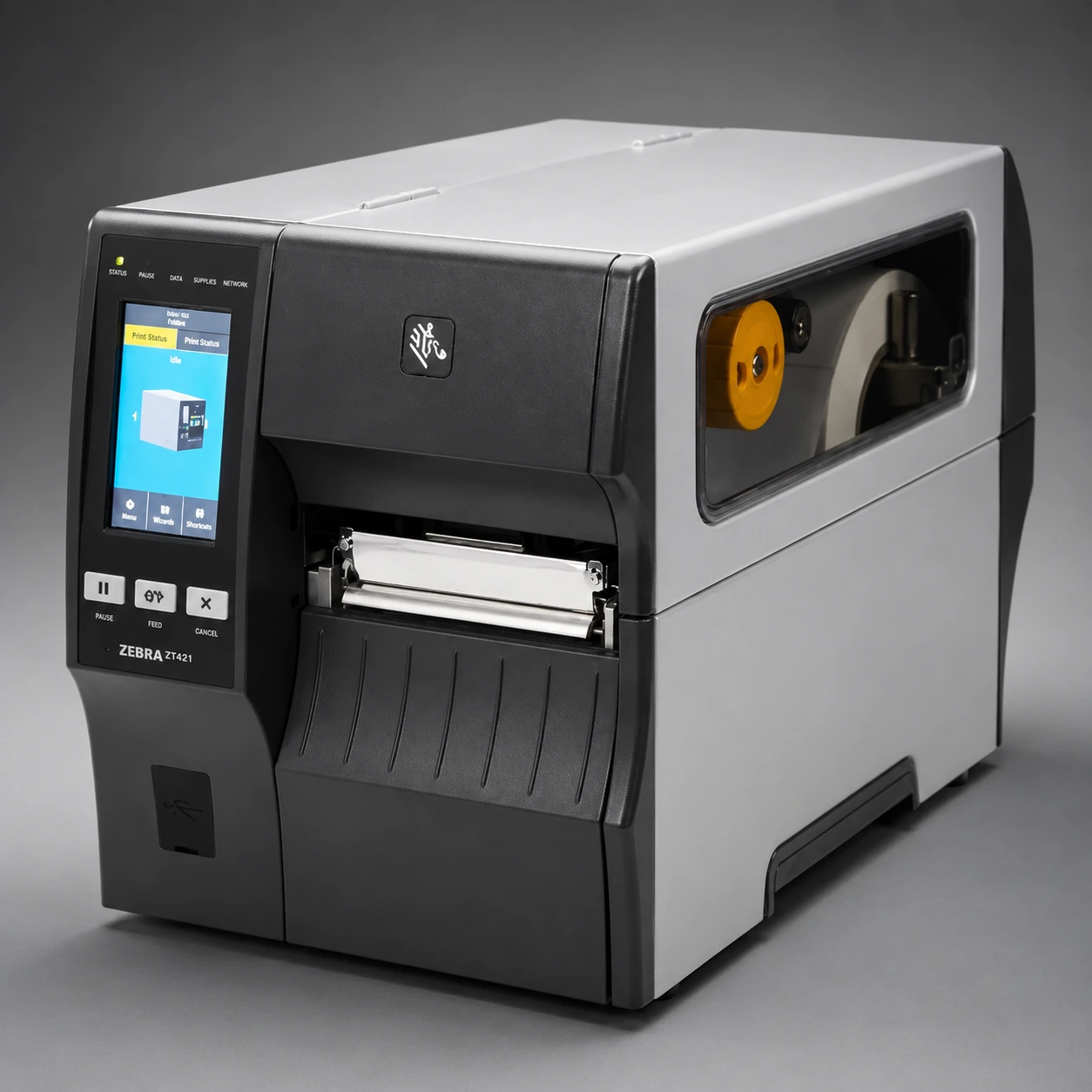
One of the most common 4-inch industrial printers. Labels up to 104 mm wide. For demanding environments (logistics, dispatch, packaging lines), suitable options are white or silver polyester for permanent identification, white polypropylene for plastic containers, and direct thermal paper for pallet and dispatch labels. Accepts standard 110 mm ribbons.
ZT230 / ZT231
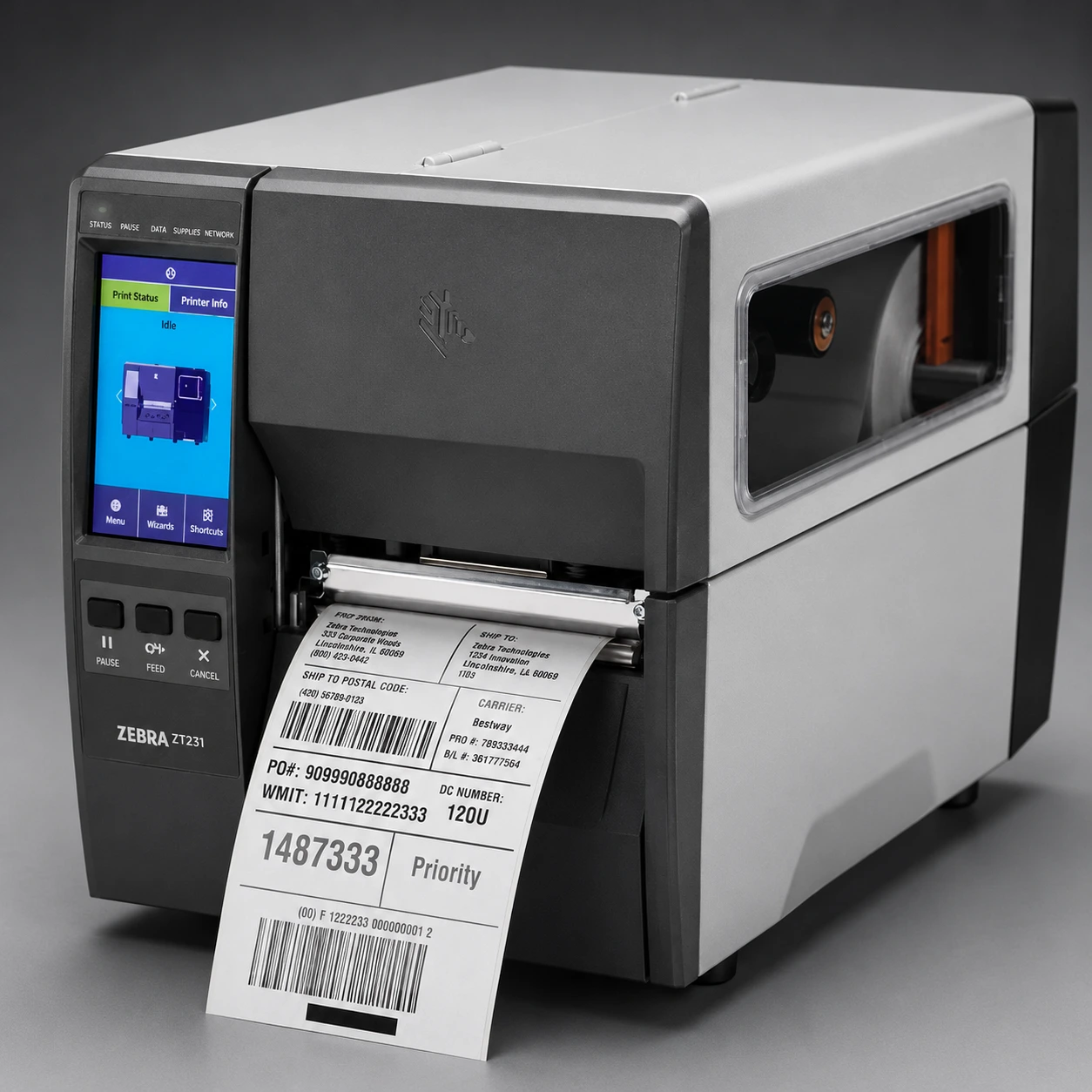
The 4.5-inch model. Same approach as the ZT411 but with a larger usable width, useful when the pallet label or logistics identification format exceeds 100 mm. The ZT231 has replaced the ZT230 in the active catalogue, but the consumables are the same.
Desktop: ZD421, ZD230 and ZD220
The ZD family covers the mid and low range: offices, counters, small warehouses, consulting rooms, low-volume production lines. Smaller rolls (5-inch OD), 1-inch or 0.5-inch core. The choice between TT and DT determines which label is right.
ZD421
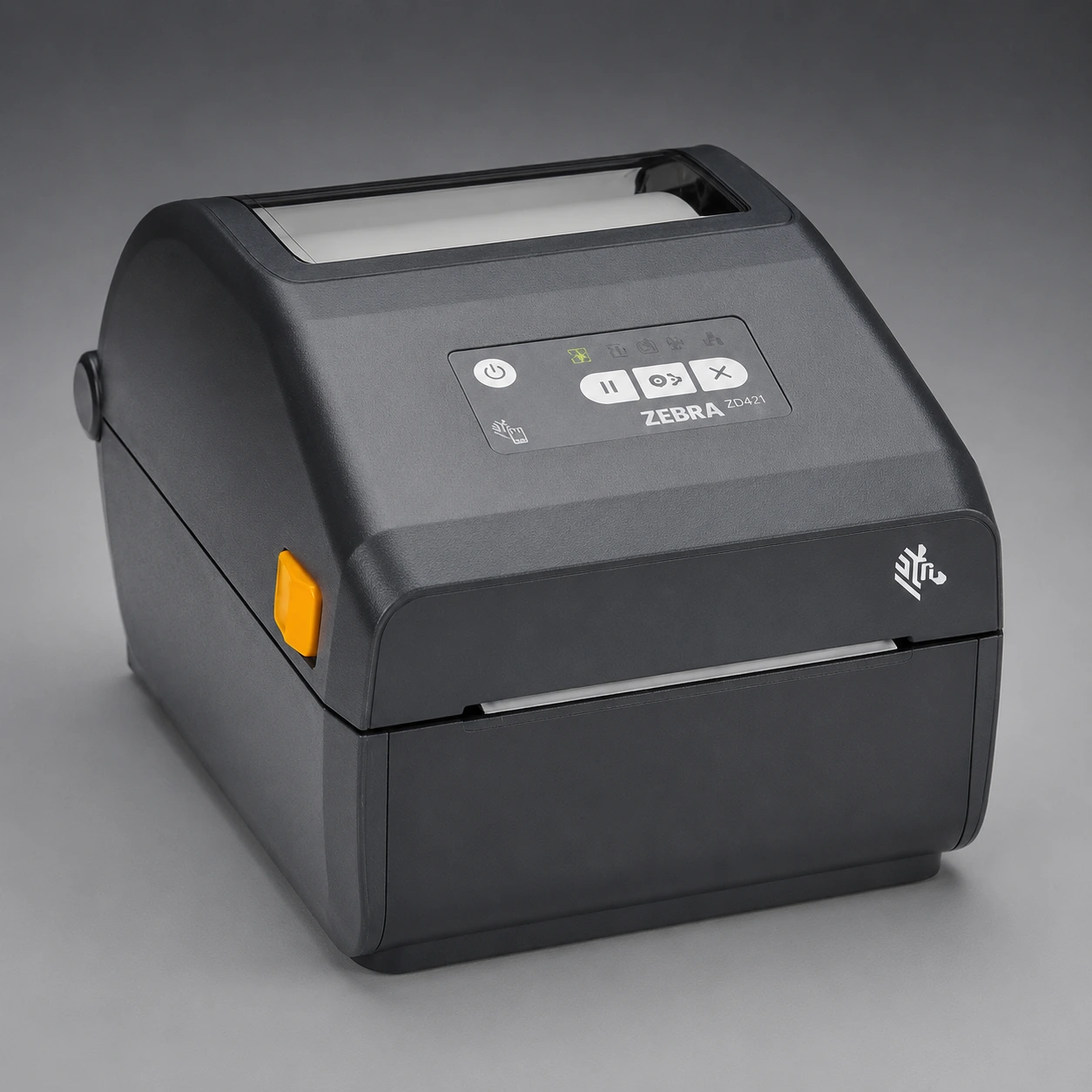
The upper mid-range model. Available in a thermal transfer version and a direct thermal version. For TT, wax, wax-resin or resin ribbon depending on the material to be printed. For DT, quality thermal paper (with top-coated treatment if the label will be exposed to heat or abrasion). There's also a healthcare version for environments requiring disinfection.
ZD230
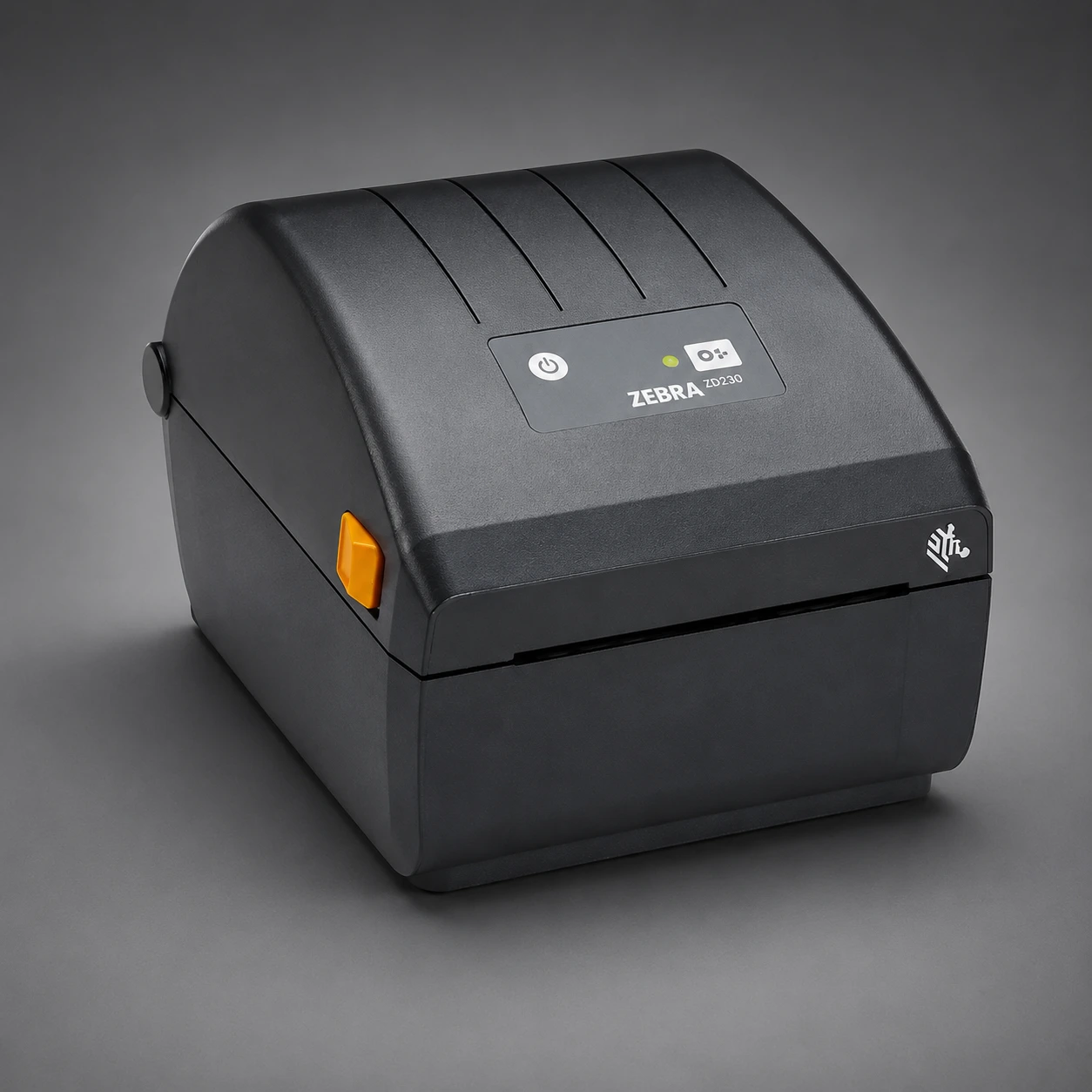
Direct thermal only. No ribbon. Thermal paper only, for shipping labels, weighing, receipts and short-life traceability. Don't use labels designed for thermal transfer: the image won't appear.
ZD220
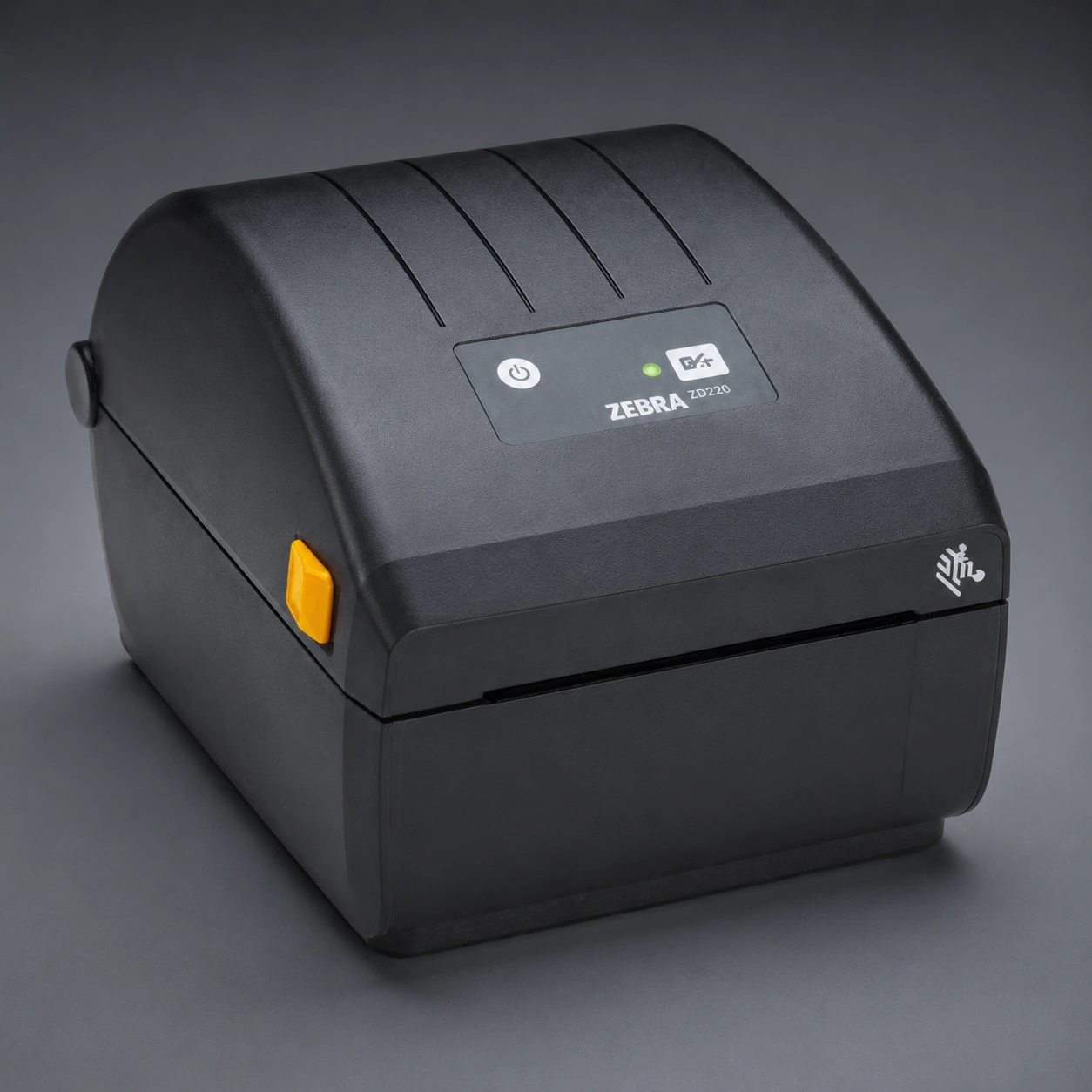
The entry-level range. TT version (with ribbon) and DT version (without ribbon). Replaces the old GK420 at the entry point of the Zebra catalogue, with a simpler build designed for light use.
GK family: GK420t and GK420d
Although discontinued, there's a huge installed base of GK420 printers still in operation. Compatible consumables continue to be supplied without issue. What changes between the two versions is the print technology, not the physical roll format.
GK420t
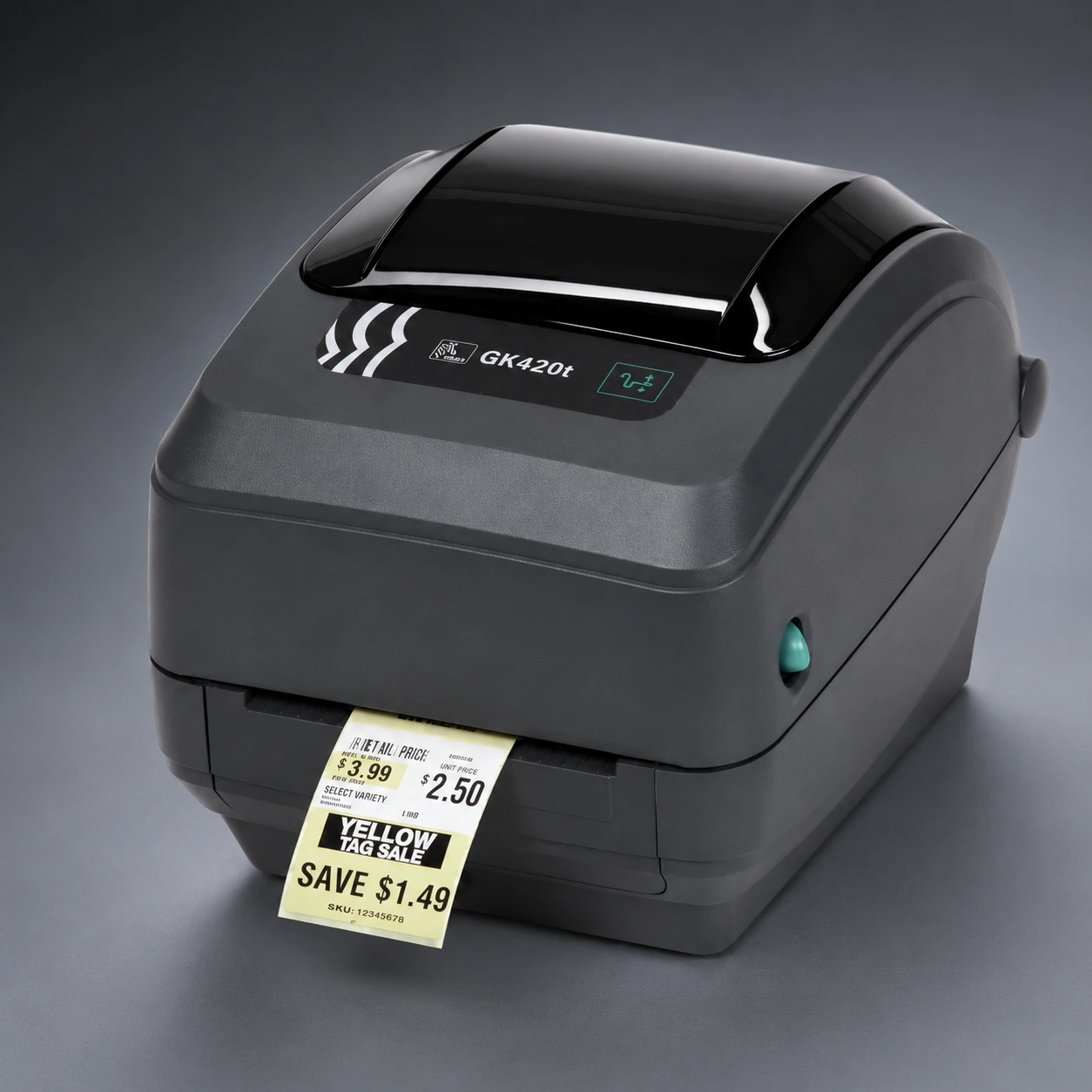
Thermal transfer only. Needs ribbon. Compatible with polyester, polypropylene, destructible vinyl and coated paper. The choice of ribbon (wax, wax-resin or resin) depends on the face material and the environment of use.
GK420d
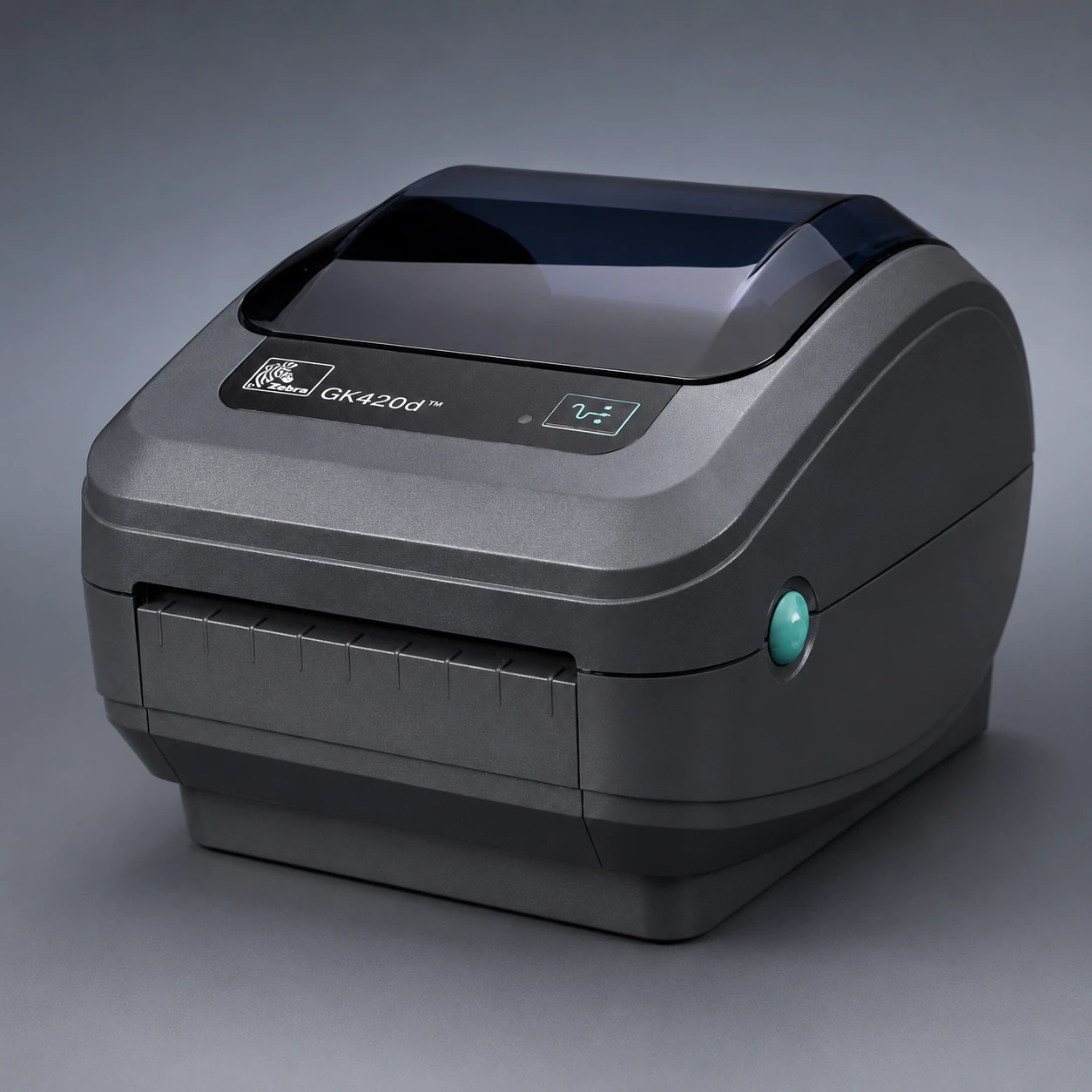
Direct thermal only. No ribbon. Thermal paper only. How long the printed image lasts depends on the type of paper: standard direct thermal loses contrast with heat, direct UV light or continued abrasion.
Need consumables for a specific Zebra printer? Tell us the model and application.
Request a quoteCommon mistakes when ordering Zebra consumables
Most labelling issues on Zebra machines have nothing to do with the printer, but with a consumable that isn't right for the model or the application. The most common:
- Ordering a 3-inch core for a ZD or GK. It won't fit. The desktop family doesn't take the industrial core.
- Ordering direct thermal paper for a TT machine. Thermal paper requires the head to print by direct contact and heat. If the machine has a ribbon fitted, it won't mark correctly.
- Ordering polyester for a GK420d. The GK420d is direct thermal: it doesn't take a ribbon. Polyester won't print without a ribbon.
- Exceeding the roll's OD. Ordering 8-inch rolls for a desktop printer: the lid won't close.
- Confusing label width with face material width. The width the machine accepts is that of the full liner, not the die-cut label on top of it. If the label is 100 mm, the liner is usually 102 or 104 mm. And if the label is wider than the print width, it is often enough to rotate it by 90°.
- Not matching the ribbon to the material. On polyester, wax does not anchor: the print comes away with rubbing. The basic rule: wax for paper, wax-resin for polypropylene, resin for polyester and chemical environments.
How to check compatibility before ordering
- Note the exact printer model (side or rear label). The model determines the maximum width, OD and core accepted.
- Check the technology: if the machine uses ribbon, it's thermal transfer; if it prints without ribbon, it's direct thermal.
- Measure the width of the face material in use —not the label— to confirm the replacement matches.
- Define the material according to the application: paper for short-life traceability; polypropylene for containers and humid environments; polyester for permanent identification, chemical products or outdoor use.
- Request a sample before the first large order, especially if the material or adhesive changes from the previous consumable.
Summary
Zebra's industrial printers (ZT411, ZT230, ZT231) accept large rolls with a 3-inch core and work in both thermal transfer and direct thermal. The desktop models (ZD421, ZD230, ZD220) and the discontinued GK420t/GK420d work with small rolls and a 1-inch core (or 0.5 inch on the ZD).
Before placing an order, fix the five physical and technical parameters of the consumable —width, OD, core, technology and material— and confirm they match the printer model.
Mechanical compatibility doesn't guarantee the print will last: the material and the ribbon (in thermal transfer) must be chosen according to the environment of use, not the machine.
Frequently asked questions
What changes between an industrial and a desktop Zebra?
The format of the consumable. The industrial models — ZT411, ZT230 and ZT231 — take large rolls with a 3-inch core. The desktop models — ZD421, ZD230, ZD220 — and the discontinued GK420t and GK420d work with small rolls and a 1-inch core, or 0.5 inch on the ZD range.
What has to be confirmed before ordering?
Five parameters of the consumable: width, outside diameter, core, technology and material. And that all five match the printer model.
Is it enough for the consumable to fit the machine?
No. Mechanical compatibility does not guarantee that the print will last: the material and the ribbon must be chosen for the service environment, not for the machine.